
What Do the App Permissions Most People Approve Automatically Really Mean?
Camera‚ microphone‚ contacts‚ location and files: a closer look at what an app can actually reach once you tap "Allow" on its request.

When an app asks for a certain permission‚ it is really asking to use one of the device's resources. That resource may be the camera‚ the microphone‚ your contacts or location data. In some cases the function is essential for the app itself to work. A photo app‚ for example‚ needs access to the camera in order to function. In other cases the reason behind the request may be less obvious to users‚ so it is important to understand why it is needed.
Access to the Camera and Microphone
A camera or microphone permission lets an app take photos‚ record video or record sound through the device. Many social media and communication apps rely on these functions as a core part of their service. At the same time‚ this kind of access gives the app the ability to use highly sensitive sensors. That is why it is important to grant this permission only to apps you trust.
Access to Contacts and Phone Data
Some apps ask for access to the user's contact list. This access makes it possible to suggest social connections or send invitations to friends who use the same app. Despite the possible benefits‚ such a permission gives the app personal information about other people. It is therefore important to understand what that information will be used for.
Location Permission and Movement Data
Many apps want to know where the device is while they are in use. Location data can be used for navigation‚ finding nearby services or tailoring content. However‚ when this permission stays on over time‚ the app may collect data about users' movement patterns.
Storage Permissions and File Access
Access to the device's storage lets an app read files or save data locally. This permission is sometimes required for apps that download documents‚ photos or media files. At the same time‚ overly broad storage access can allow an app to read files that have nothing to do with what it actually does.
Managing Device Permissions Mindfully
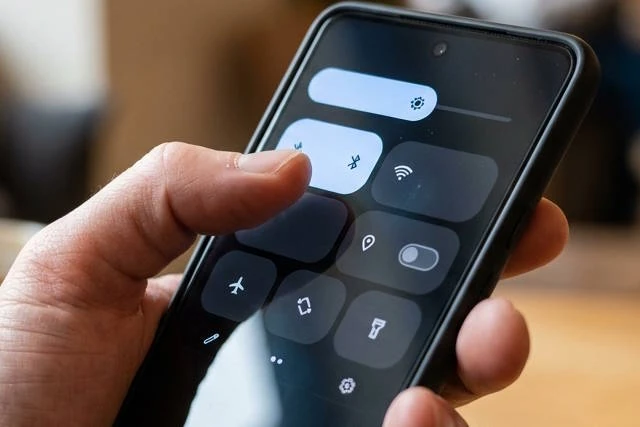
Smartphone operating systems now let you review and change permissions even after an app has been installed. You can check which permissions each app has received and revoke those it does not need in order to work. This gives you better control over the information that apps can reach.
Summary
App permissions are an important part of how apps work on smart devices. Each permission grants access to a specific resource‚ so it is worth understanding what it means before approving the request. Managing permissions mindfully helps strike a balance between convenience and privacy protection. That way you can use apps more safely and with greater awareness.